 9de2f5ff59
Added comments and updated the readme to explain how to get Gemini PR to work. Also added a YouTube link showing how to flash the ecosteno.
22 lines
No EOL
1.3 KiB
Markdown
22 lines
No EOL
1.3 KiB
Markdown
EcoSteno
|
|
===
|
|
|
|
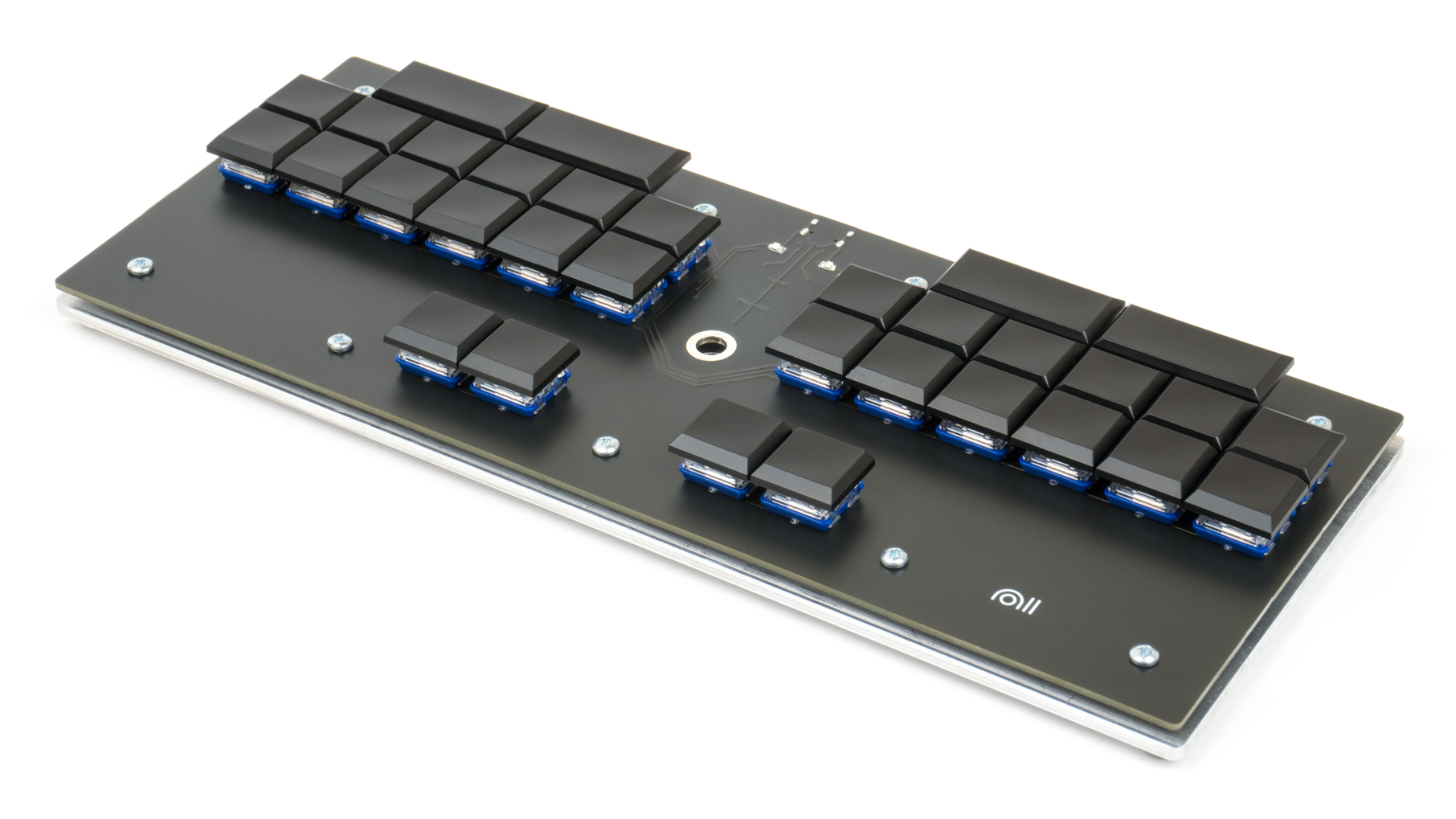
|
|
|
|
* Keyboard Maintainer: [Nathan Olivares](https://github.com/nkotech)
|
|
* Hardware Supported: EcoSteno v1.0.1X and v1.0.2X
|
|
* Hardware Availability: [Nolltronics](https://nolltronics.com/product/ecosteno)
|
|
|
|
Make example for this keyboard (after setting up your build environment):
|
|
|
|
make noll/ecosteno:default
|
|
|
|
Flashing example for this keyboard:
|
|
|
|
dfu-util.exe -d 1eaf:0003 -a 2 -D "noll_ecosteno_default.bin"
|
|
|
|
See the [build environment setup](https://docs.qmk.fm/#/getting_started_build_tools) and the [make instructions](https://docs.qmk.fm/#/getting_started_make_guide) for more information. Brand new to QMK? Start with our [Complete Newbs Guide](https://docs.qmk.fm/#/newbs).
|
|
|
|
[Here's a quick video demonstrating how to flash firmware onto the ecosteno](https://youtu.be/dqeZ40PPEW4)
|
|
|
|
The steno protocol currently included in this project is TX Bolt. I'm not entirely sure why getting Gemini PR to work isn't as simple as changing steno_set_mode(STENO_MODE_GEMINI) in keymap.c, but for now, if you want to compile ecosteno firmware that works with Gemini PR, you'll need to remove some references to TX Bolt by following ecosteno-geminipr.diff in EcoSteno-Firmware/keyboards/noll/ (thanks to dnaq in the Plover discord). |